In today’s competitive digital landscape, even a small functional issue can break user trust, impact conversions, and damage your brand reputation. Web application functional testing ensures that every feature of your website works exactly as intended — from login forms to checkout flows and API integrations.
At QAnalyz, we provide end-to-end web functional testing services to help businesses deliver reliable, scalable, and user-friendly digital products. Contact us today to get a customized testing quote and ensure your web application performs flawlessly across all use cases.
What Is Web Application Functional Testing?
Web application functional testing is a type of software testing that validates whether all features and functionalities of a web application behave according to business requirements and user expectations.
In simple terms, web functional testing answers one critical question:
Does the website do what it is supposed to do — every time, for every user?
This testing focuses on user interactions, data processing, integrations, and workflows, rather than internal code structure. It plays a vital role in QA testing for websites, ensuring smooth user journeys and consistent business outcomes
Why Functional Testing Web Applications Is Critical for Business Success
Functional issues do not affect only usability; they also affect customer retention and revenue. A failed payment, broken button, or incorrect validation can instantly cause users to abandon your site.
Key Business Benefits of Functional Testing Web Applications:
- Improved user experience (UX)
- Higher conversion and checkout success rates
- Reduced post-release defects
- Stronger brand credibility
- Better compliance with business and regulatory requirements
This is why functional testing web solutions are essential for startups, enterprises, and fast-scaling digital businesses alike.
How Web Functional Testing Works
The web application functional testing process validates each function by comparing expected outcomes with actual behavior.
It typically involves:
- Understanding business and functional requirements
- Identifying user workflows
- Designing functional test cases
- Executing tests manually or automatically
- Logging defects and validating fixes
This structured approach ensures that website functionality testing covers both common and edge-case scenarios.
Types of Functional Testing for Web Applications
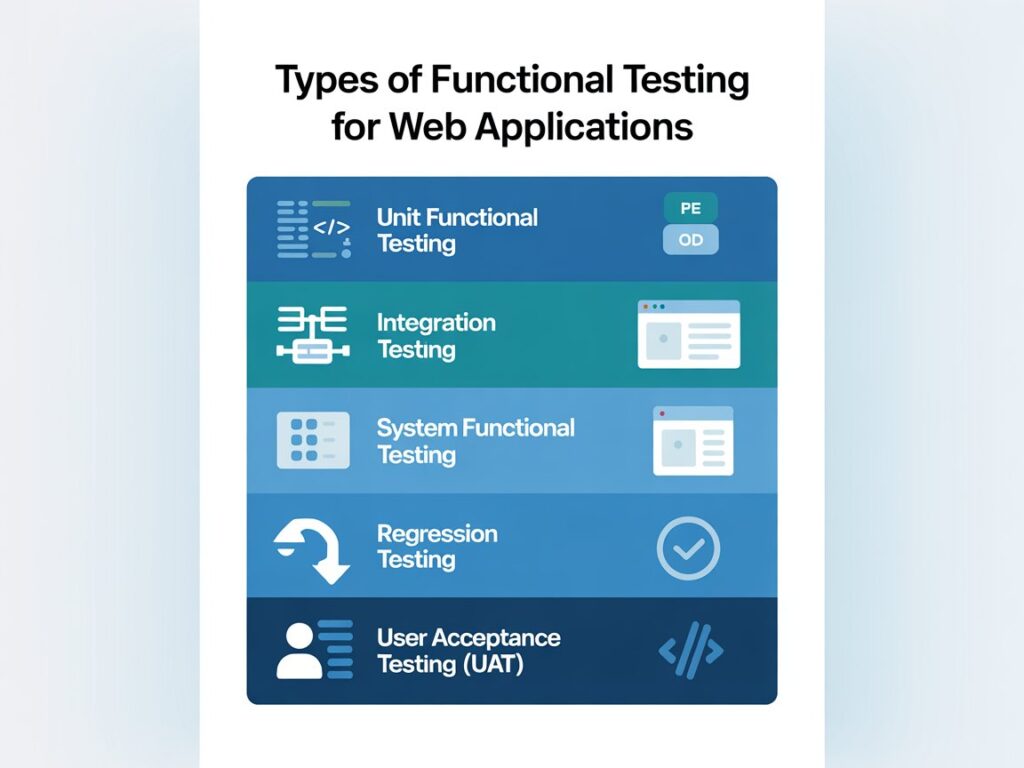
Different web applications require different testing strategies. Below are the most important web testing types used in functional QA.
1. Unit Functional Testing
Tests individual components or functions in isolation.
2. Integration Testing
Validates interactions between modules, databases, and third-party APIs.
3. System Functional Testing
Ensures the complete web application works as a unified system.
4. Regression Testing
Confirms that new updates haven’t broken existing functionality.
5. User Acceptance Testing (UAT)
Validates that the application meets real-world user and business needs.
At QAnalyz, we apply the right combination of these methods based on your application’s complexity and goals.
Real-World Functional Testing Examples for Websites
Here are common functional testing examples that apply to most web applications:
Login & Authentication
- Valid and invalid credential handling
- Password reset functionality
- Session timeout behavior
Forms & Validations
- Required field checks
- Error message accuracy
- Input format validation
Navigation & Links
- Broken link detection
- Menu and breadcrumb navigation
- Redirect behavior
E-Commerce Functionality
- Add-to-cart and checkout flow
- Payment gateway integration
- Order confirmation emails
API & Backend Integration
- Data accuracy between frontend and backend
- API response validation
- Error handling scenarios
These tests are critical for ecommerce testing, SaaS platforms, and enterprise portals.
Step-by-Step Web Application Functional Testing Process
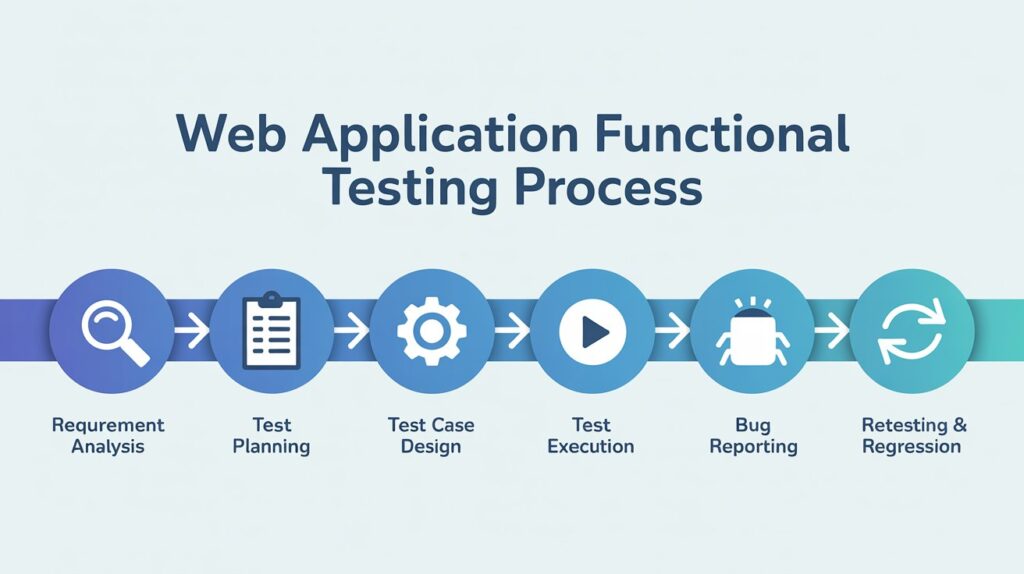
A well-defined process ensures consistent and measurable results.
Step 1: Requirement Analysis
Understand functional requirements, user flows, and acceptance criteria.
Step 2: Test Planning
Define scope, tools, timelines, and testing approach.
Step 3: Test Case Design
Create clear and reusable functional test web scenarios.
Step 4: Test Execution
Run tests manually or via automation frameworks.
Step 5: Defect Reporting
Log, track, and prioritize functional defects.
Step 6: Retesting & Regression
Validate fixes and ensure no new issues are introduced.
Web Application Functional Testing Checklist
Use this functional testing checklist to ensure complete coverage:
- ✔ User login and authentication
- ✔ Form submissions and validations
- ✔ Navigation, menus, and links
- ✔ Browser and device compatibility
- ✔ Error messages and alerts
- ✔ Data integrity and database updates
- ✔ API integrations
- ✔ Security-related functional flows
- ✔ Payment and checkout processes
Aspect | Manual Functional Testing | Automated Functional Testing |
Best for | Exploratory & UX validatio | Regression & repetitive tests |
Speed | Slower | Faster |
Cost | Lower initial cost | Higher setup, lower long-term cost |
Accuracy | Human judgment | High consistency |
Ideal use | Early testing stages | Large & stable applications |
At QAnalyz, we use a hybrid approach, combining manual expertise with smart automation for maximum efficiency.
Popular Tools for Web Functional Testing
Other Testing Services Offered by QAnalyz
While tools don’t replace strategy, they enhance execution. Commonly used tools include:
- Selenium
- Cypress
- Playwright
- TestNG
- Postman (for API testing)
Our QA engineers select tools based on project needs, not trends.
To ensure complete product quality, QAnalyz also provides:
- Website testing services
- Desktop application testing
- Ecommerce testing
- API testing
- Cross-browser and cross-device testing
- Performance and security testing
These services integrate seamlessly with web application functional testing for full QA coverage.
Frequently Asked Questions (FAQ)
What is the difference between functional testing and non-functional testing?
Functional testing checks what the system does, while non-functional testing evaluates how well it performs (speed, security, usability).
When should web functional testing be performed?
It should be done during development, before release, and after any update or feature change.
Is functional testing required for small websites?
Yes. Even small websites benefit from website functionality testing to avoid user frustration and lost leads.
Can functional testing be automated?
Yes, especially for stable features and regression cycles.
Conclusion: Why Web Application Functional Testing Matters
Web application functional testing is not optional — it’s essential for delivering reliable digital experiences that users trust. From validating core features to protecting revenue-critical workflows, functional testing ensures your web application performs exactly as intended.
At QAnalyz, we combine technical expertise, real-world QA experience, and SEO-driven quality strategies to help businesses launch bug-free, high-performing applications.
👉 Contact QAnalyz today to get a tailored functional testing quote and take the first step toward flawless digital quality.
QAnalyz — Real Testers. Real QA. Real Growth.