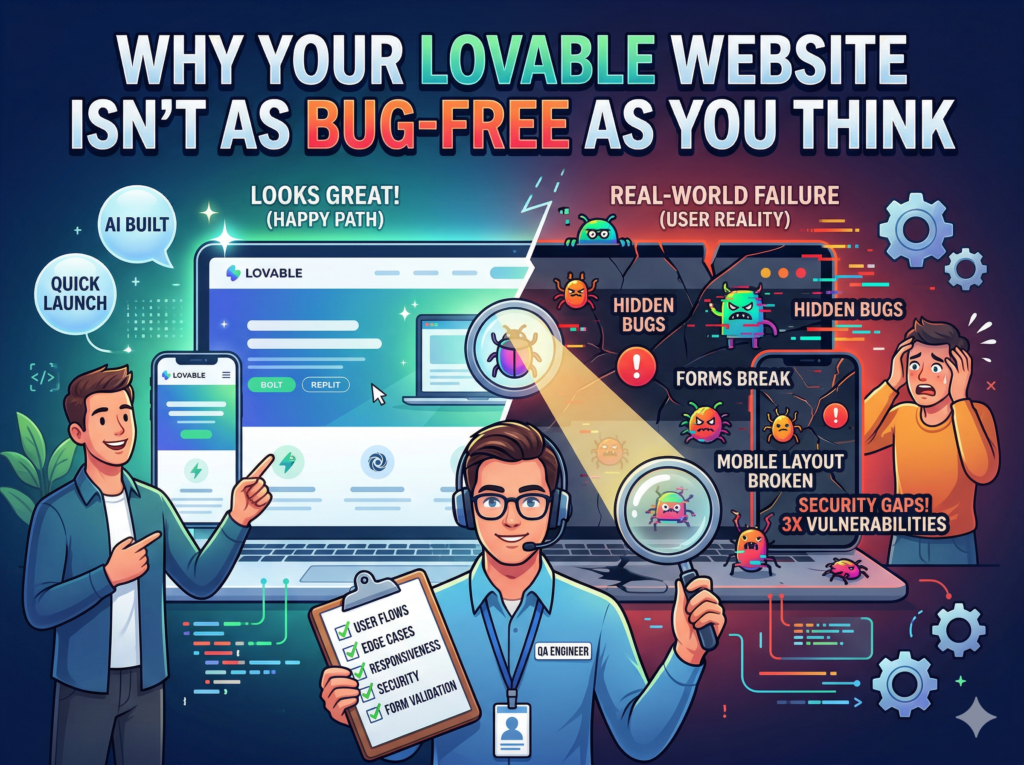
You built something great. You described your idea, the AI understood it, and within an hour you had a working website or app staring back at you. Lovable, Bolt, Replit — these tools are genuinely impressive, and the results can look polished on the surface. But here’s what a lot of founders and entrepreneurs find out the hard way: looking good in a preview and actually working for real users are two very different things.
I’ve been a QA engineer for 9 years. I’ve tested over 2,000 websites and web applications — from small business landing pages to full-stack SaaS products. Over the last couple of years, a new category of clients started reaching out to me: people who built their websites using AI tools like Lovable, Bolt.new, and Replit, only to discover that something wasn’t quite right once real people started using them. This post breaks down exactly what kinds of bugs show up most often in AI-generated websites, and what you should be testing before you go live.
The Core Problem with AI-Generated Code
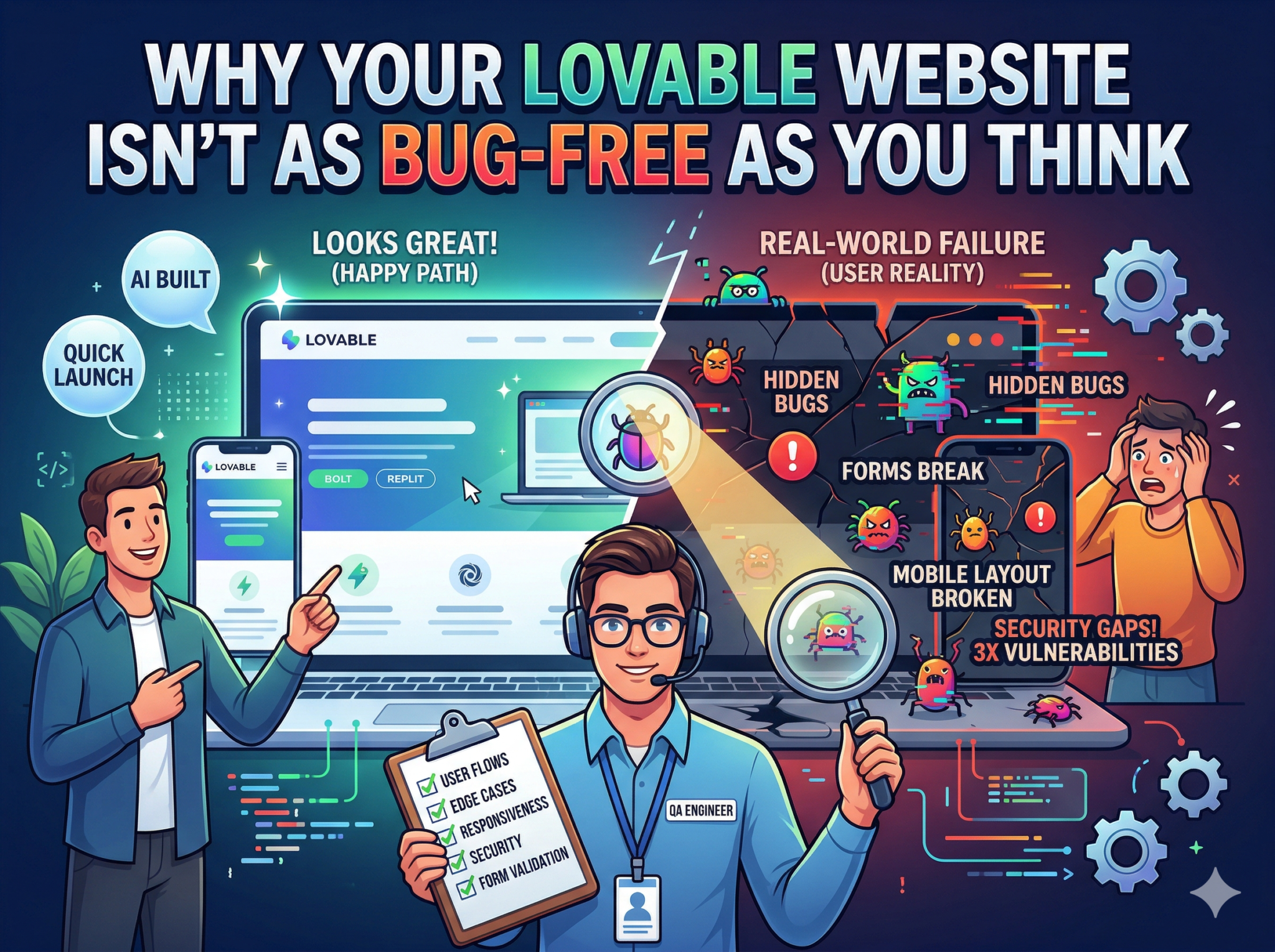
AI coding tools are built to produce something that works for the example you give them. When you type a prompt like “build me a portfolio site with a contact form and project gallery,” the AI builds for that scenario — the smooth, happy path where everything goes right.
What it doesn’t build for is your actual users. Real people click buttons twice by accident. They fill in forms with unusual email formats. They’re browsing on a 5-year-old Android phone with a slow connection. They navigate backward when they shouldn’t. They do unexpected things, and AI-generated code typically hasn’t prepared for any of that.
A December 2025 study found that AI-generated code contains approximately 1.7x more major issues than human-written code — including nearly 3x more security vulnerabilities.
The Most Common Bugs Found in Lovable and AI-Built Websites
1. Forms That Don’t Actually Submit (Or Submit Twice)
Contact forms, sign-up forms, checkout forms — these are the heart of most websites. In AI-generated apps, it’s surprisingly common to see forms that look fine in the preview but fail when a user types something unexpected. A missing input validation rule might reject a perfectly valid email address with a “+” sign in it. A button that has no loading state can be double-clicked, creating duplicate entries or even duplicate charges.
I’ve seen this play out on real Lovable projects. The founder tested the form themselves, it worked, they went live. Their first customer tried to sign up and got a confusing error with no explanation. Not a great first impression.
2. Mobile Layout Breakdowns
AI-generated websites often look clean on a desktop browser. Switch to a mobile device and things start shifting — buttons overlapping text, navigation menus that don’t close, sections that overflow the screen edge. Responsive design testing across real devices (not just resizing a browser window) is something that simply doesn’t happen in an AI build-and-deploy workflow.
This matters enormously because over 60% of web traffic today is on mobile. If your site breaks on an iPhone 11 or a mid-range Android device, you’re losing more than half your potential visitors before they’ve read a single line of your content.
3. Browser Compatibility Issues
Chrome is the dominant browser, and most AI tools effectively build for Chrome. But a significant chunk of your users might be on Safari (especially iPhone users), Firefox, or older Edge versions. These browsers handle CSS, JavaScript, and form submissions differently enough to cause real problems with AI-generated code that was never tested cross-browser.
4. Broken Navigation and Dead Links
When an AI builds a multi-page website, the connections between pages aren’t always reliable. Internal links can be broken, navigation menus can point to pages that don’t exist yet, and anchor links can scroll to the wrong section. These seem like minor things until a user clicks “pricing” and gets a 404 error and decides to leave.
5. Security Gaps in the Backend
This is the serious one. Lovable apps typically use Supabase for backend databases and authentication. When security settings are misconfigured — which happens regularly in AI-generated projects — user data can be exposed. In early 2026, a researcher discovered that a single popular Lovable-hosted app had 16 vulnerabilities, 6 of them critical, and had already leaked data belonging to over 18,000 users.
That’s not a scare tactic — it’s a documented incident. And it highlights why professional QA testing, which includes security checks, is not optional for any app handling user data.
What About the Built-in Testing Features?
Lovable does include a basic security scan before publishing. It flags known issues and suggests fixes. But two important things to understand: first, it only runs if the user chooses to act on it, and second, it doesn’t cover usability testing, cross-device testing, functional flow testing, or real-world edge cases. It’s a starting point, not a complete QA pass.
What a Proper QA Test of Your Lovable Website Actually Looks Like
When I test an AI-built website, here’s what I’m checking:
- Every form submission path, including invalid inputs, edge case emails, and slow network conditions
- Mobile responsiveness on real iOS and Android devices at different screen sizes
- Cross-browser behavior on Chrome, Safari, Firefox, and Edge
- All navigation links, internal links, CTAs, and anchor tags
- Page load performance and any obvious speed bottlenecks
- Basic security — exposed API keys, unprotected endpoints, public database access rules
- User flows end-to-end: sign-up to dashboard, product page to checkout, contact to confirmation
- Accessibility basics: contrast ratios, keyboard navigation, screen reader friendliness
That’s not an automated scan. That’s a trained human working through your site the way a real user would, but with a professional eye for what can go wrong.
Should You Test Your AI Website Before Launch?
If your website is just a simple personal page with no forms, no user accounts, and no business-critical function — you can probably skip it. But if you’re launching a SaaS product, an e-commerce site, a client-facing portfolio, or anything that handles user data or payments, you need QA testing before you go live. Not after your first 50 users have already found the bugs for you.
The cost of fixing issues after launch is always higher than catching them before. Reputation damage, user drop-off, security incidents — these are real business consequences that a proper QA review can prevent.
9 years of QA experience. 2,000+ websites tested. 5-star rating on Fiverr and Upwork. If you’ve built something with Lovable, Bolt, or any AI tool, let’s make sure it actually works.
Ready to get your website properly tested? Get a Free Quote at QAnalyz.com